
Ross Platform Manager
Enterprise Management
Control and manage your Ross systems with a single web-based platform

Built for shared systems, multiple users, and workflows that change day to day.
Access DashBoard in a browser, manage software licenses centrally, and operate Ross systems at scale – all from a single, secure platform, without added operational overhead.
DashBoard in a browser
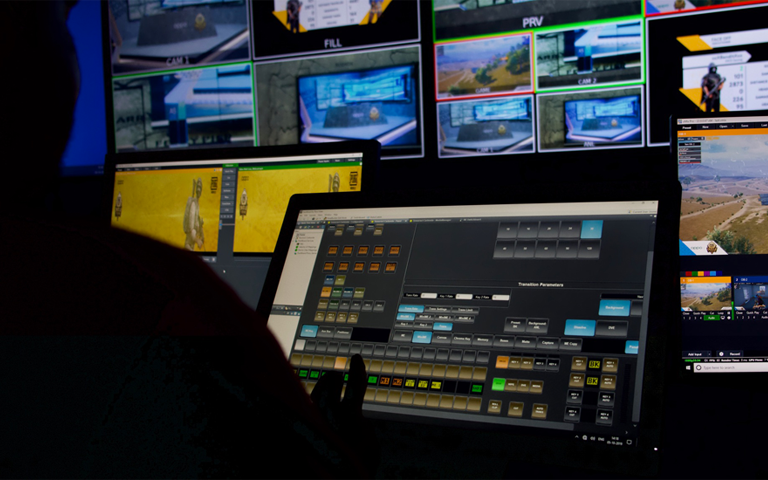
Access DashBoard CustomPanels and device UIs from any browser. No local installs or jumping between remote machines. Centrally host & share panels, control access by role, and keep versions consistent across teams.

Flexible Software-based licensing
Manage and easily track software licenses for Ross products centrally. Share licenses across systems, support online or offline use, and enable short-term or project-based deployments.

Enterprise monitoring and security
Scale securely with role-based access control, SSO and directory integration, high availability, and centralized log collection. Built for larger teams and mission-critical environments.

Ready for every environment


Fully loaded features
Ross Platform Manager delivers the tools needed to monitor system health, manage software, and maintain consistency across Ross products, all from a centralized platform designed for real-world production workflows.

DashBoard in your browser

Improved tree view

License management

Centralized log collection

Carbonite HyperMax configuration

Visual workflows
CustomPanel version manager
Track CustomPanel revision history and roll all connected clients back to a previous version when needed.
Switcher set save/recall
Save snapshots of Ross switcher configurations (e.g., Carbonite, Acuity) and restore them instantly from RPM.
Remote XPression deployment
Deploy XPression software remotely to existing Windows machines.
License analytics
Visualize license usage across multiple product keys and environments with sortable grids.
Access control in DashBoard
Define user roles and permissions to restrict who can access specific devices on DashBoard clients.
Single sign-on
Authenticate users through corporate identity providers using LDAP(S) or SAML.
Enhanced security
Secure browser access via HTTPS. Communication between RPM and devices can be isolated to a separate network segment.
Select the RPM edition that fits your workflow
RPM editions
RPM offers multiple different editions that allow it to scale to fit your workflow. Not sure which edition you need? Our team are prepared to help!



Knowledge center
Technical support
Expert help when you need it — dedicated to keeping your production running smoothly.
Product documentation
Comprehensive guides to help you get the most out of your Ross products.
Software downloads
Stay up to date with the newest features, enhancements, and software releases.
Training resources
Stay up to date with the newest features, enhancements, and software releases.
Ross Community
Ask questions, share knowledge, and connect with other Ross users.
Frequently asked questions
RPM can be downloaded from the Ross website and installed on Windows or Linux using a packaged installer. Any functionality beyond license management requires a valid RPM license. Contact your Ross Sales team for pricing. RPM Advanced and Enterprise require Ross commissioning.
No. RPM is an additional offering. Operators use the same panels and workflows; RPM simply centralizes access and management and adds a security layer. The DashBoard desktop application remains available.
No. Ross products operate independently. RPM adds centralized control, licensing, and enterprise capabilities when needed.
Yes. Software licensing supports offline operation, and RPM can be deployed within secure, isolated networks.
No. Smaller teams use RPM for browser-based DashBoard capabilities. Higher tiers add RBAC, SSO, high availability, switcher configuration management, and more.
Concurrent users refers to the number of users logged in to the RPM web interface at the same time. You can create unlimited user accounts, but only the licensed number can be actively logged in and accessing panels or device UIs simultaneously.
No. RPM is software installed and managed on the customer’s network under a perpetual license. It can be deployed in a private or public cloud, but infrastructure and operations are managed by the customer.
If you are using RPM only for software license sharing, no. Devices consuming software licenses do not count toward concurrent user limits. To add devices to the DashBoard device tree, your RPM tier must cover the number of devices or frames being managed.