
SmartShell
Robotic control software
Simplify robotic control across every live production
Streamline live production workflows with a unified robotic control system.
Enable operators to work more consistently with an intuitive control solution. SmartShell brings PT heads, free-roaming pedestals, rail systems, and PTZ cameras together in one scalable interface designed to feel familiar across any production.
Unified robotic control
Improve consistency across productions and simplify day-to-day operation. SmartShell gives operators intuitive control while providing engineers with centralized configuration and management tools.

Built for scalable productions
Scale confidently from single studios to large broadcast environments with flexible IP-based workflows and configurable control stations.

Confidence in every production
Deliver more consistent live productions with reliable preset recall, smooth robotic movement, and predictable system performance.

Built for robotic production workflows
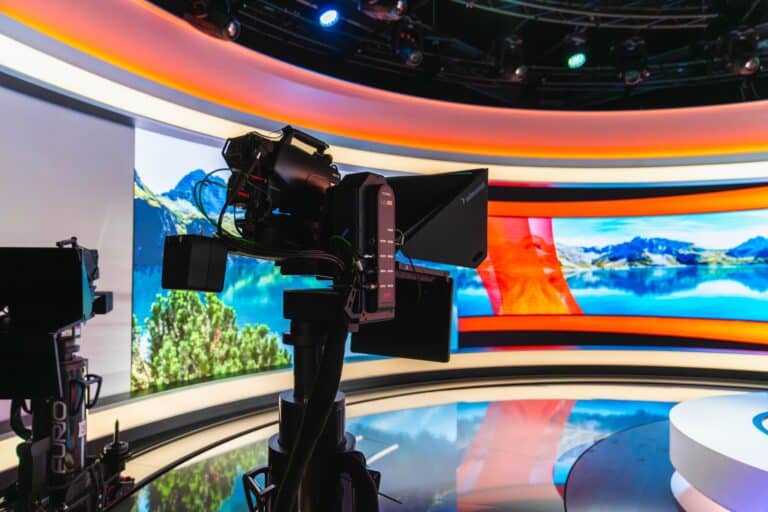
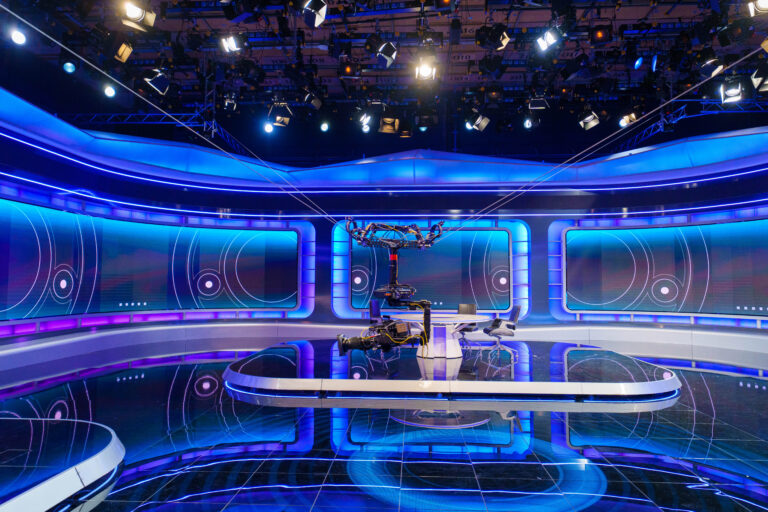
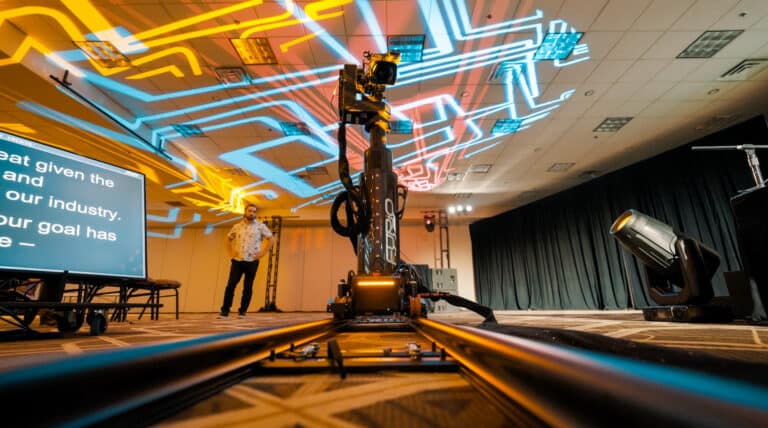
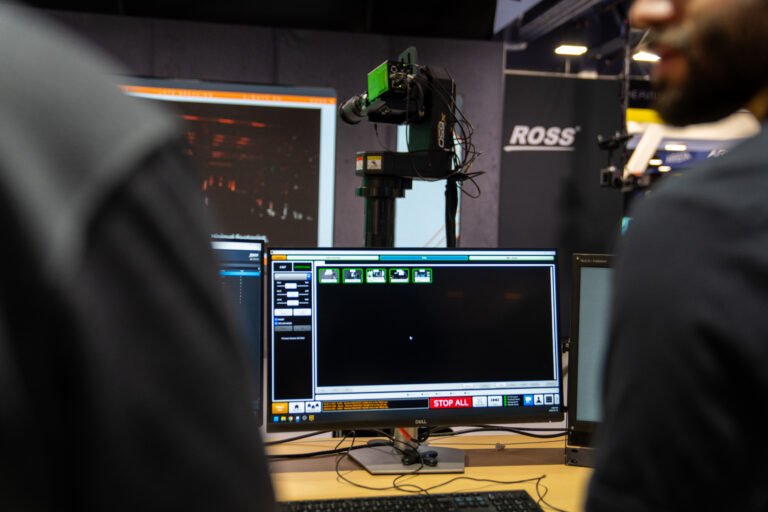
Key features
Improve operational consistency with scalable robotic control tools built for demanding live production workflows.

Centralized configuration

Touchscreen + Joystick operation

Studio & show grouping

Multi-camera recall

Studio visualizer

Role-based access control
Scalable IP architecture
Expand robotic workflows easily with scalable ethernet-based architecture designed for both new facilities and large-scale deployments.
Preset & motion management
Maintain consistent on-air results with reliable preset recall and repeatable robotic camera movements.
Adaptable user experience
Adapt robotic control to different production styles with customizable joystick behavior, sensitivity, and movement settings.
Consistent live performance
Reduce operator error and improve confidence during live production with stable robotic control and predictable system behavior.
Unified control solution
Replace disconnected control experiences with one unified intuitive interface for PT heads, pedestals, rail-based systems, and PTZ cameras across Ross workflows.
One familiar workflow, now easier to manage
New enhancements simplify setup, improve studio visibility, and help operators and engineers work more confidently.

Core components

The operator workstation
- Available as All-in-One or Integrated Server
- Runs the SmartShell application
- Supports touchscreen operation
- Ideal for single or multi-operator environments
Best for:
Studios requiring a dedicated Robotics control station.

Precision robotic camera control
- Dual ergonomic joysticks
- Customizable buttons and controls
- Low-latency operation
- Integrated with Vision[Ai]ry and DashBoard
Best for:
Streamlining workflows with precision robotic camera movement.

Centralized robotic control
- Create, edit and recall camera shots
- Configure robotic workflows
- Intuitive touchscreen interface
- Manage multiple robotic systems
Best for:
Daily operation of Ross robotic systems.

Shared system management
- Centralized resource management
- Shares resources across control stations
- Provides control station redundancy
- Scales for multi-station deployments
Best for:
Larger facilities with multiple SmartShell stations.


Knowledge center
Technical support
Expert help when you need it — dedicated to keeping your production running smoothly.
Product documentation
Comprehensive guides to help you get the most out of your Ross products.
Software downloads
Stay up to date with the newest features, enhancements, and software releases.
Training resources
Stay up to date with the newest features, enhancements, and software releases.
Ross Community
Ask questions, share knowledge, and connect with other Ross users.
Frequently asked questions
SmartShell supports Ross robotic camera systems including PT heads, pedestals, rail systems, and select PTZ cameras.
Yes. Its IP-based architecture supports remote and distributed production workflows.
Yes. Operators can customize joystick sensitivity, axis behavior, speed settings, and other control preferences.
SmartShell is designed with a familiar, intuitive interface that helps operators learn quickly, reduce retraining, and maintain consistency across shifts and productions.
SmartShell can be operated through its software interface, but many customers pair it with Ross robotic control panels to provide tactile joystick control, precision camera movement, and a familiar operator experience.
Yes. SmartShell supports multi-user environments and can be configured to support different operational roles, workflows, and production requirements.
Yes. SmartShell is designed to scale from a single robotic camera to facility-wide deployments with multiple robotic systems and control positions.
No. SmartShell is used across broadcast, corporate, education, government, legislative, worship, and sports production environments wherever robotic camera systems are deployed.
Yes. The SmartShell Visualizer shows all robots in your studio and if configured correctly will also show all walls and permanent structures. When used with LiDar data from Artimo, you can also see temporary structures as they move within the space.
Yes. Though thumbnails would need to be captured through an NDI source.