Routing Systems
UltriGPI
16 GPI I/O network bridge

Simplify system integration by consolidating GPIs, protocol translation, and logic into a single device.
UltriGPI is a compact, networked General Purpose Interface bridge that combines GPIs, protocol translation, and functional logic in one package for automation, tally translation, routing, and system integration.
Multi-protocol flexibility
Operate as a client or server for RossTalk, TSL v3, and TSL v5 to bridge physical GPIs with software-based control systems and devices.
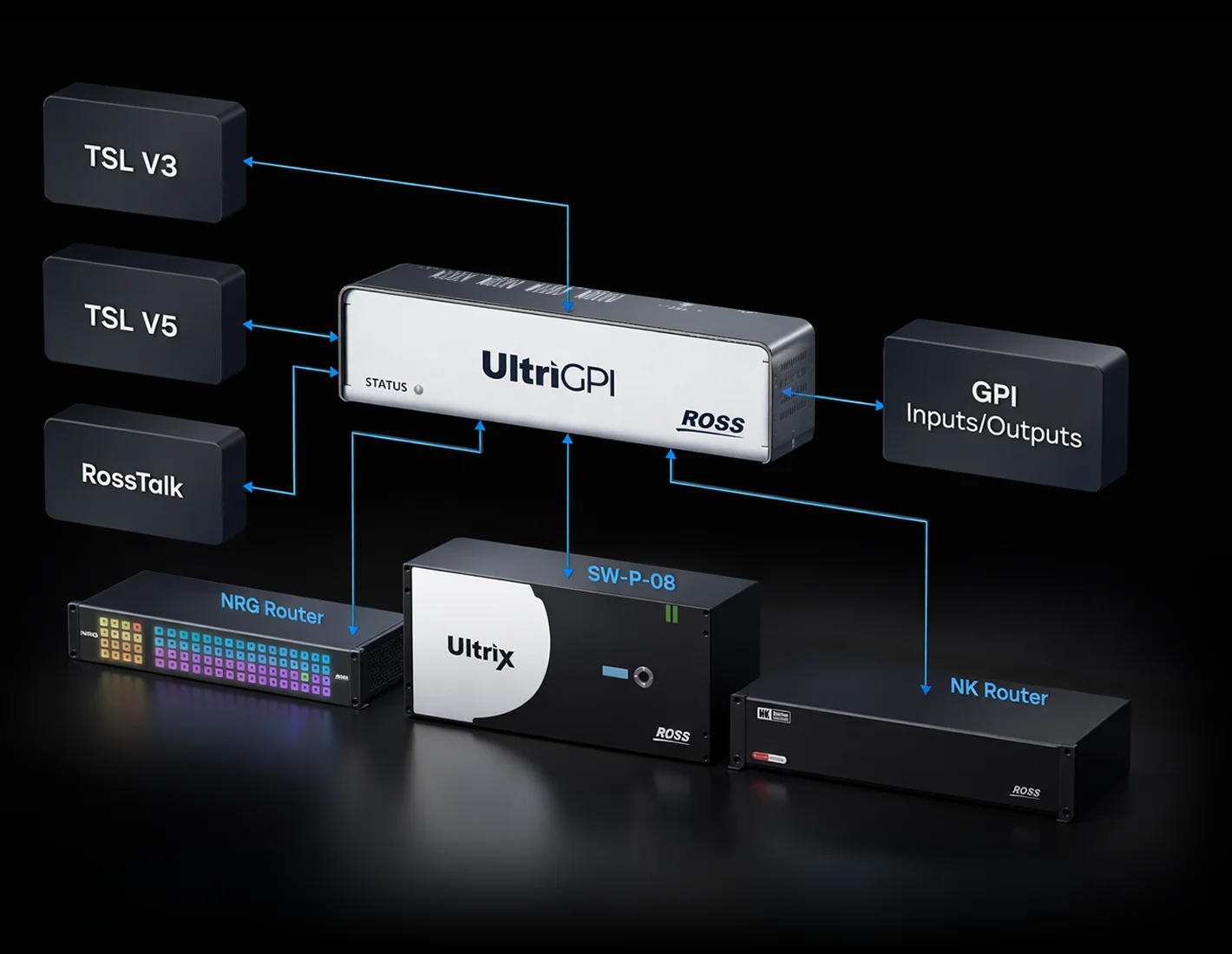
Expanded GPI control
Use GPIs to drive router takes, trigger automation, translate tallies, and support fast operational workflows using simple contact closures.
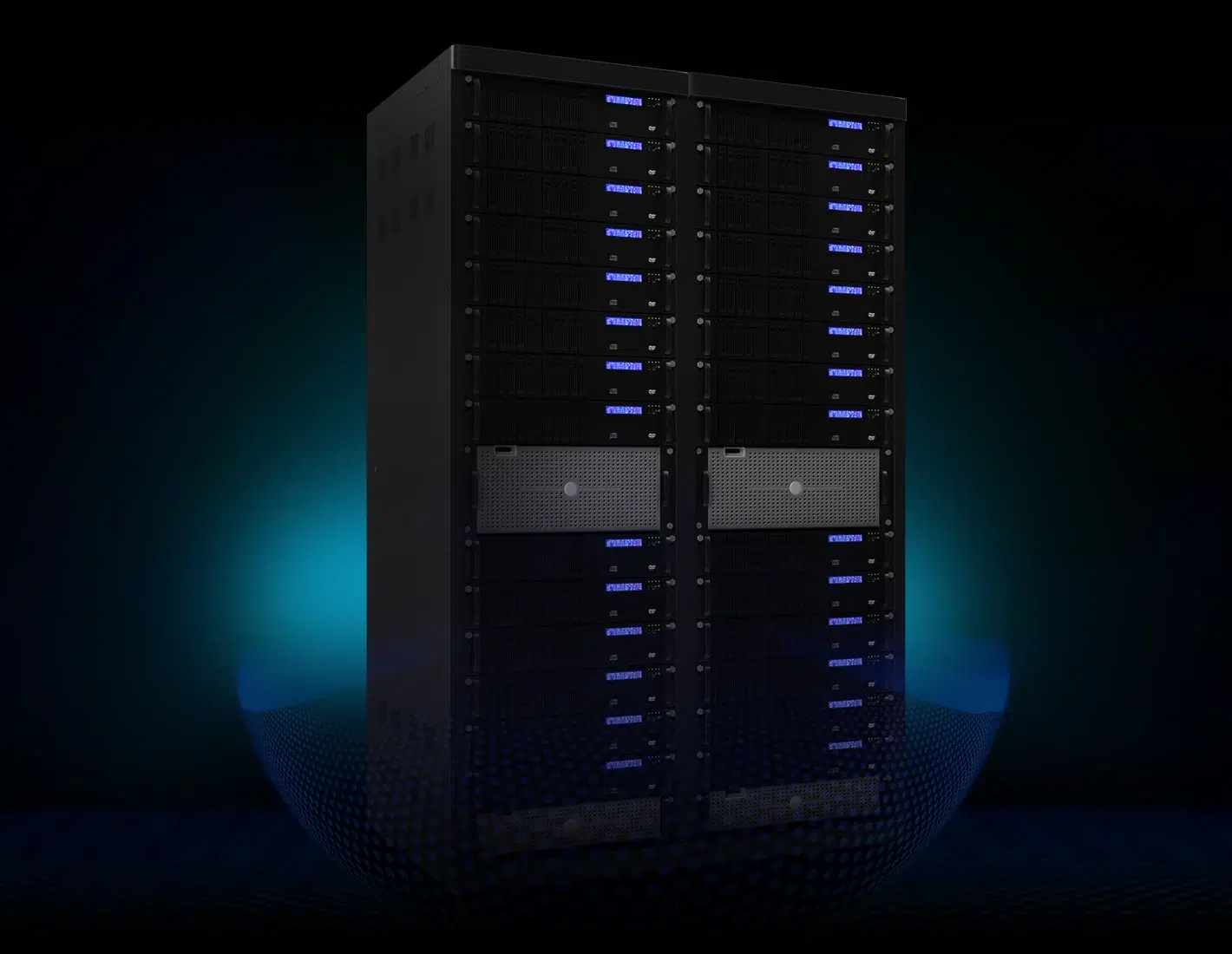
Simple, reliable deployment
Low power consumption, PoE support, easy-to-wire terminal blocks and a small, adaptable enclosure enable fast installation and dependable operation in space-limited or non-rack environments.
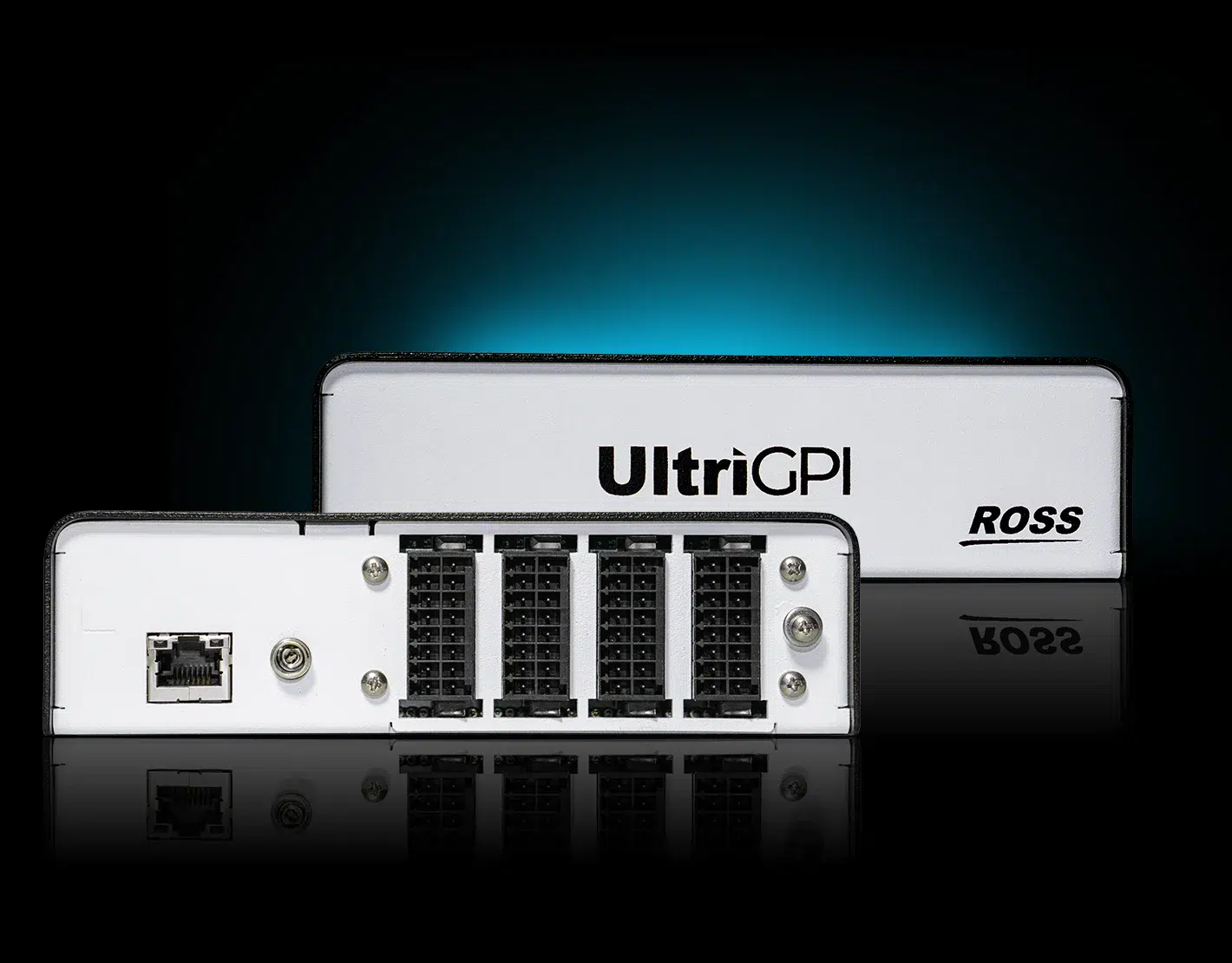
Ready for every environment


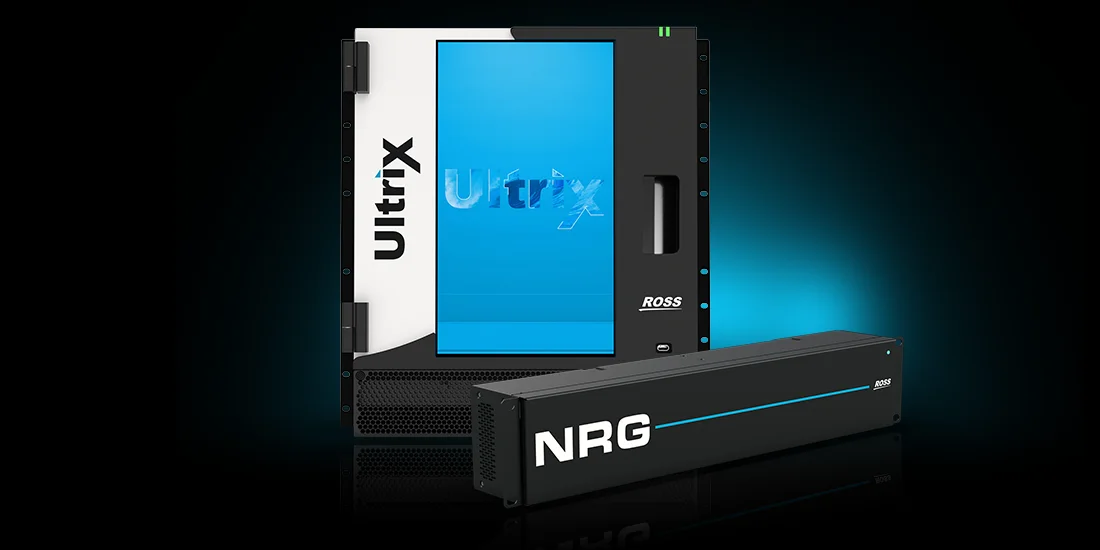

Fully loaded features
UltriGPI supports multiple protocols, flexible GPI routing, and customizable logic using Function Sets. Configuration and monitoring are handled through DashBoard without external scripting.
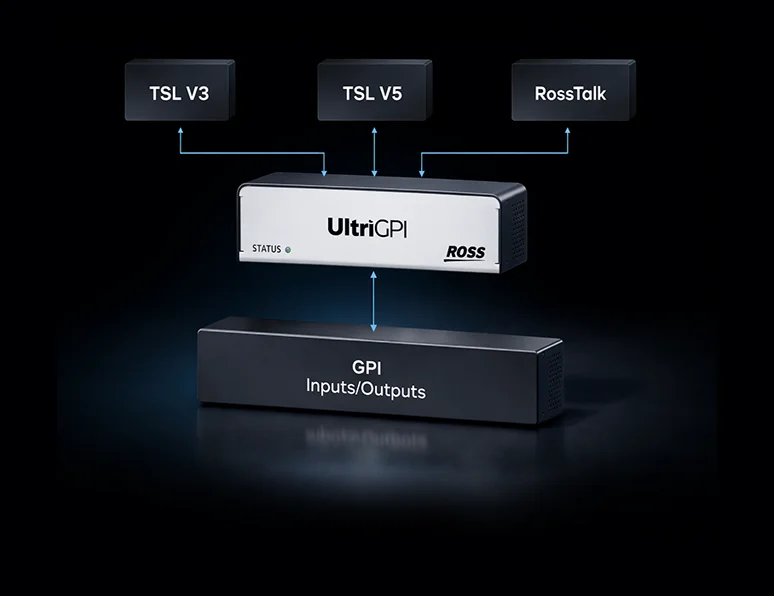
Multi-protocol support
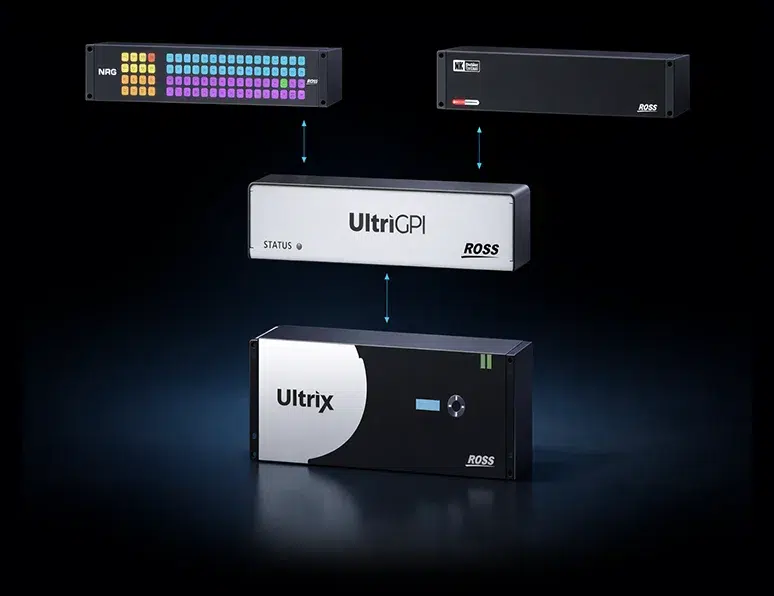
Router protocol integration

Function sets logic
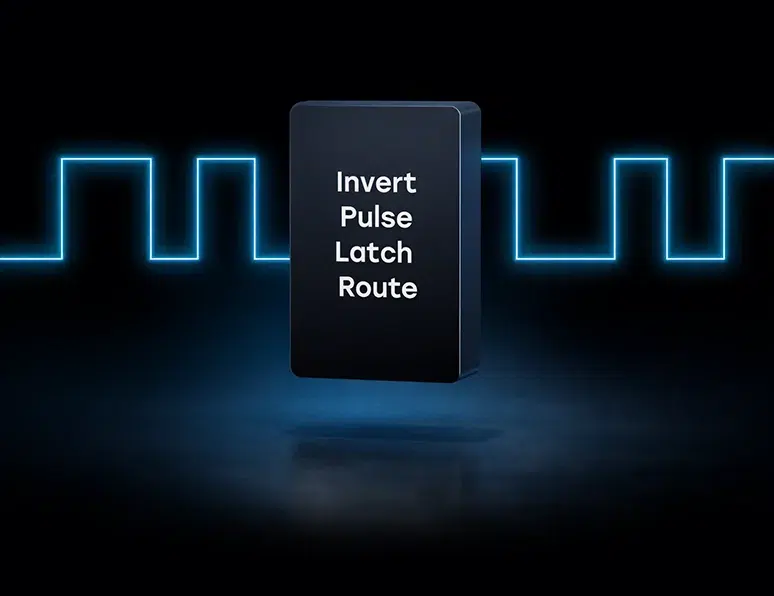
GPI routing
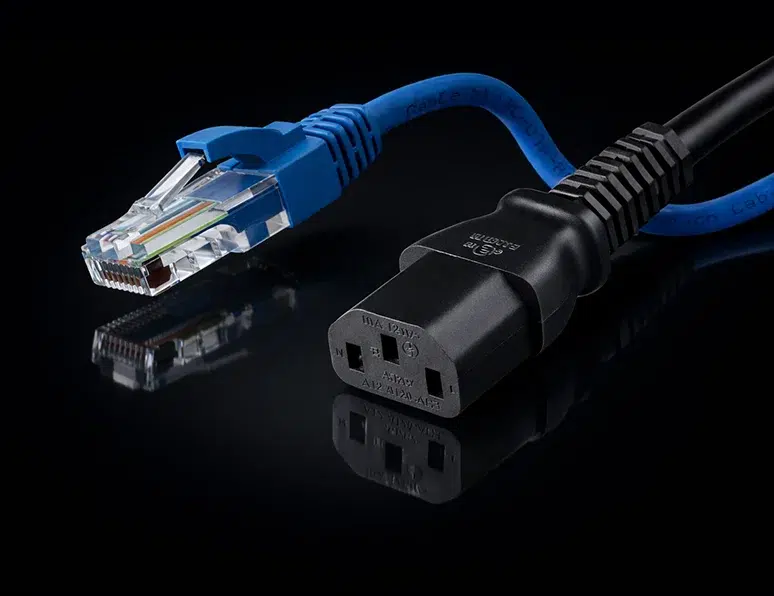
Flexible power options
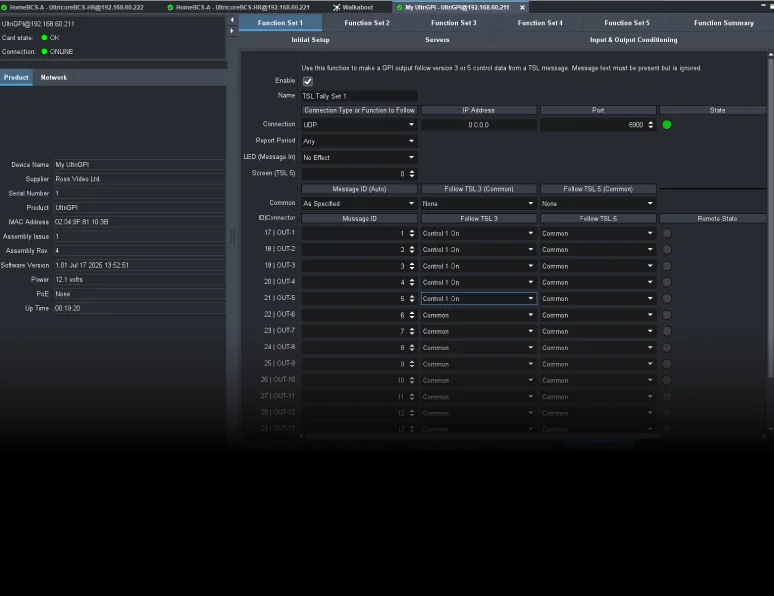
DashBoard for setup & monitoring
Technical Specifications
Knowledge centre

Technical support
Expert help when you need it—dedicated to keeping your production running smoothly.
Get technical support
Product documentation
Comprehensive guides to help you get the most out of your Ross products.
View all documentation
Software downloads
Stay up to date with the newest features, enhancements, and software releases.
View all downloads
Training resources
Step-by-step videos that help you learn Ross tools quickly and use them with confidence.
Go to Ross University tutorials