
AudioEdge™
Audio Systems
Professional audio at the edge of your network
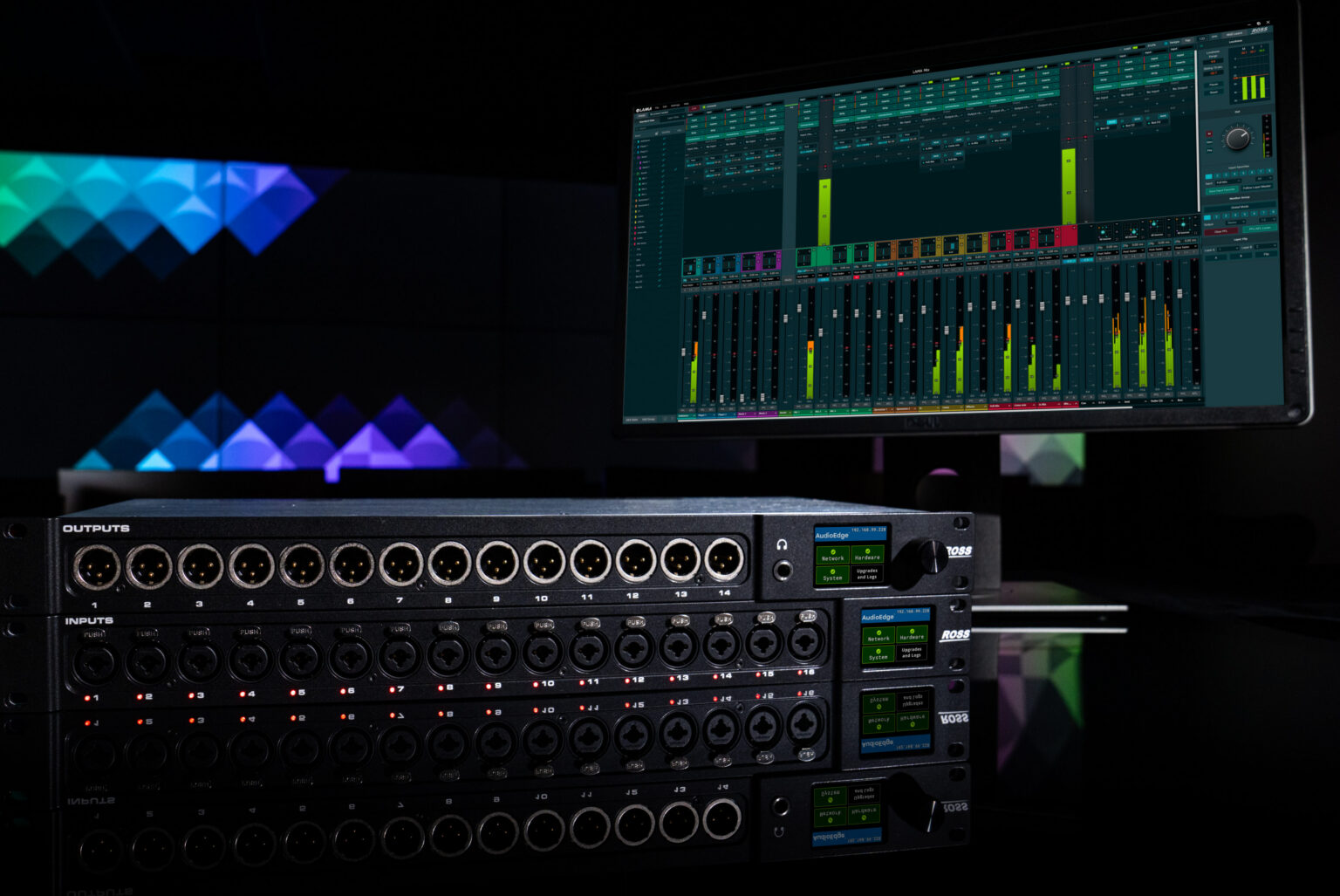
Bring powerful, flexible audio processing to the edge of AoIP networks with AudioEdge.
AudioEdge combines audio connectivity, routing, and mixing functionality to connect audio devices with modern IP networks, providing flexible control and processing where your audio workflows need it.
Connect audio without compromise
Connect audio devices, IP networks and production systems together through a purpose-built audio interface designed for modern production environments.

Bridge traditional and IP audio
Bridge audio devices to Ross production systems over an AoIP network and point to point SDI, MADI and Analogue connections.

Centralize audio control
Configure, monitor, and manage AudioEdge through Ross DashBoard while unifying audio connectivity across Ross and third-party production environments.
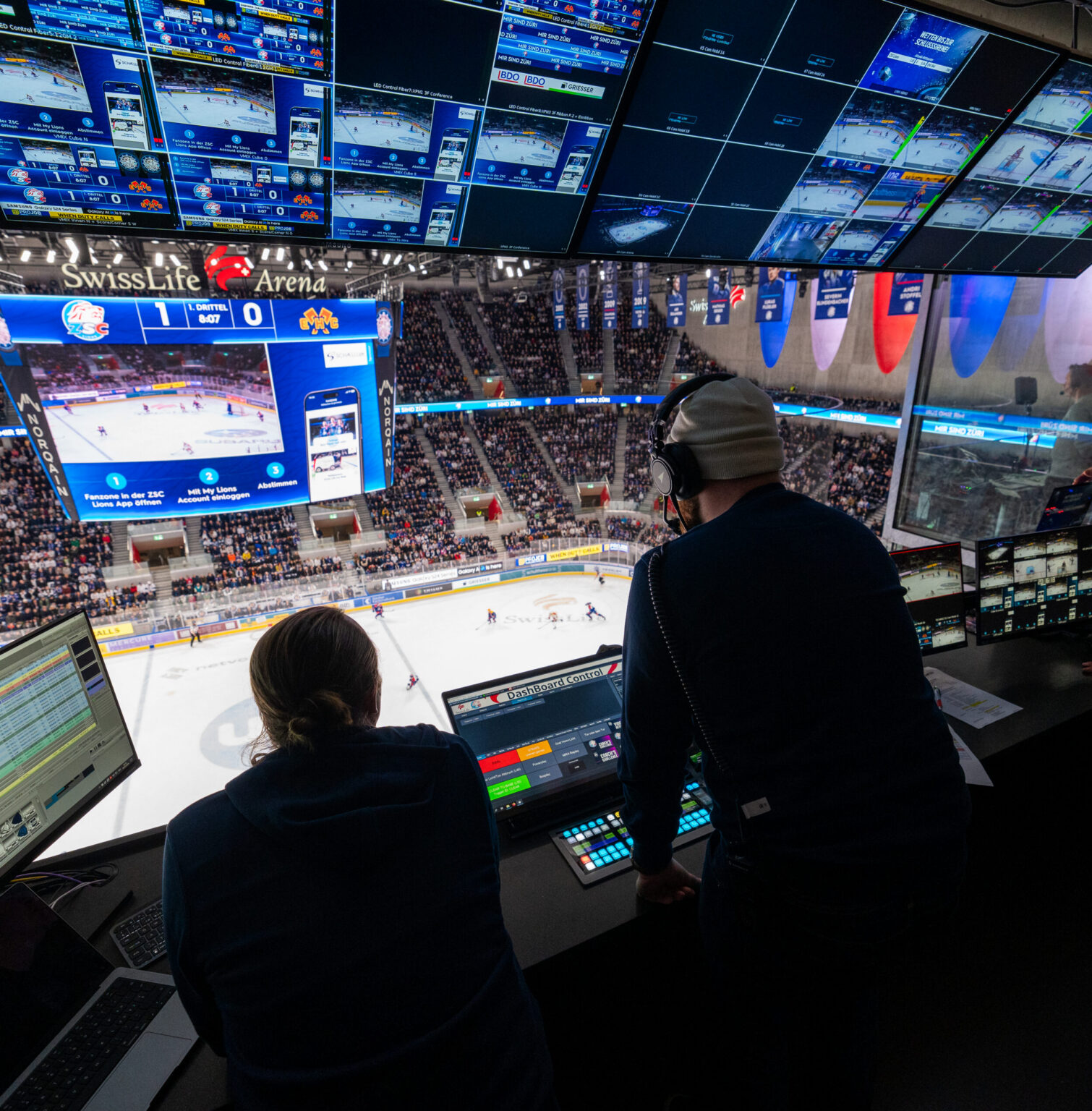
Built for modern audio environments
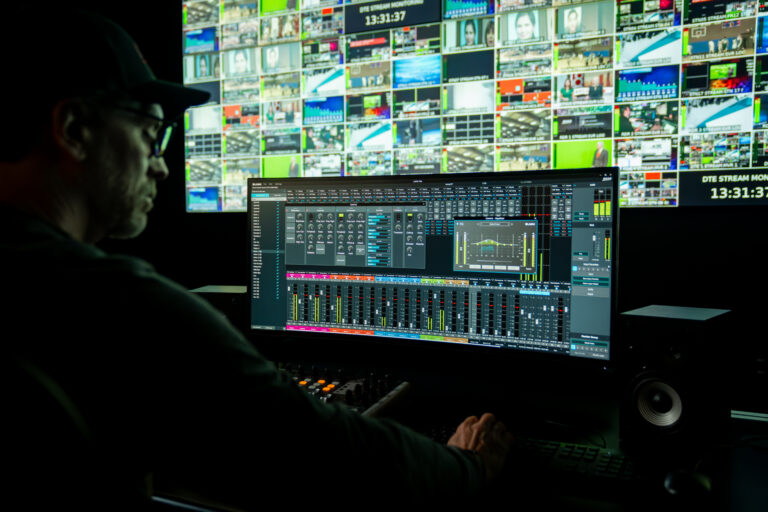


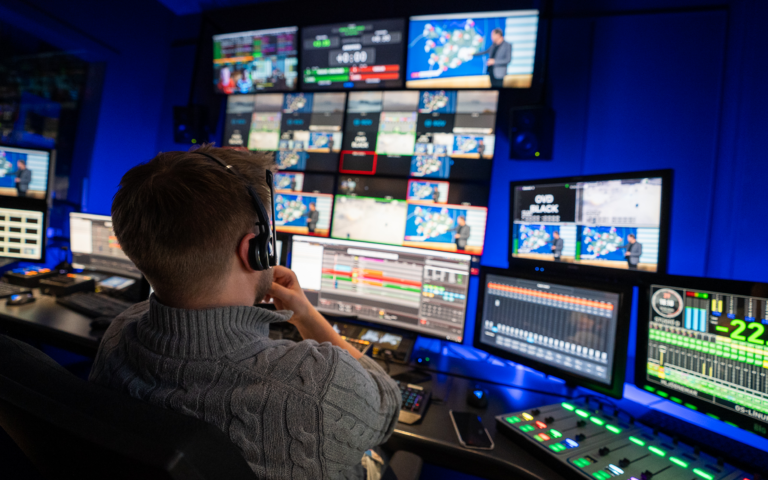
Designed for modern audio workflows
AudioEdge combines exceptional audio performance, flexible deployment, system scalability, and all with centralized control. With redundant AoIP ports and power supplies, AudioEdge is designed for mission critical live production environments.

Bridge analogue and IP audio

Professional audio performance

Monitor system health at a glance

Deploy audio where you need it

Scale as requirement grows

Built for reliable operation
MADI connectivity
Transport MADI over co-axial or fiber to/from Analogue, SDI, and Dante AoIP.
SDI connectivity
Embed and De-Embed audio transported in SDI to Analogue, MADI and Dante AoIP.
Optional onboard mixing
Enable onboard audio mixing and dsp for local monitoring and signal management.
Internal audio routing
Route audio between different audio transport types and the internal AudioEdge Mixer.

Knowledge centre
Technical support
Expert help when you need it — dedicated to keeping your production running smoothly.
Product documentation
Comprehensive guides to help you get the most out of your Ross products.
Software downloads
Stay up to date with the newest features, enhancements, and software releases.
Training resources
Stay up to date with the newest features, enhancements, and software releases.
Ross Community
Ask questions, share knowledge, and connect with other Ross users.
Frequently asked questions
All AudioEdge interfaces support 64×64 Dante I/O.
The primary purpose of the touchscreen is to provide ‘at a glance’ system status. Link Up/Down status for the Control, Dante Primary and Dante Secondary ethernet ports is reported, as is the currently selected audio clock source and Locked/Unlocked status. Basic maintenance tasks such as software upgrades and system log retrieval can also be performed here.
AudioEdge’s internal router can be used to determine which audio channels are mapped to the respective Transmit and Receive channels in Dante Controller. Dante Controller should then be used to route Dante audio channels between AudioEdge devices and any other Dante devices on the Dante network.
Yes, AudioEdge’s internal audio router allows for ‘any to any’ audio routing.
Dashboard can be used to manage and control any AudioEdge interface available on the network. As well as basic configuration tasks, DashBoard provides access to the internal audio router as well as the on-board audio mixer.