Media Workflow
Indigo | Create
Get content to air faster – from ingest to delivery in one workflow
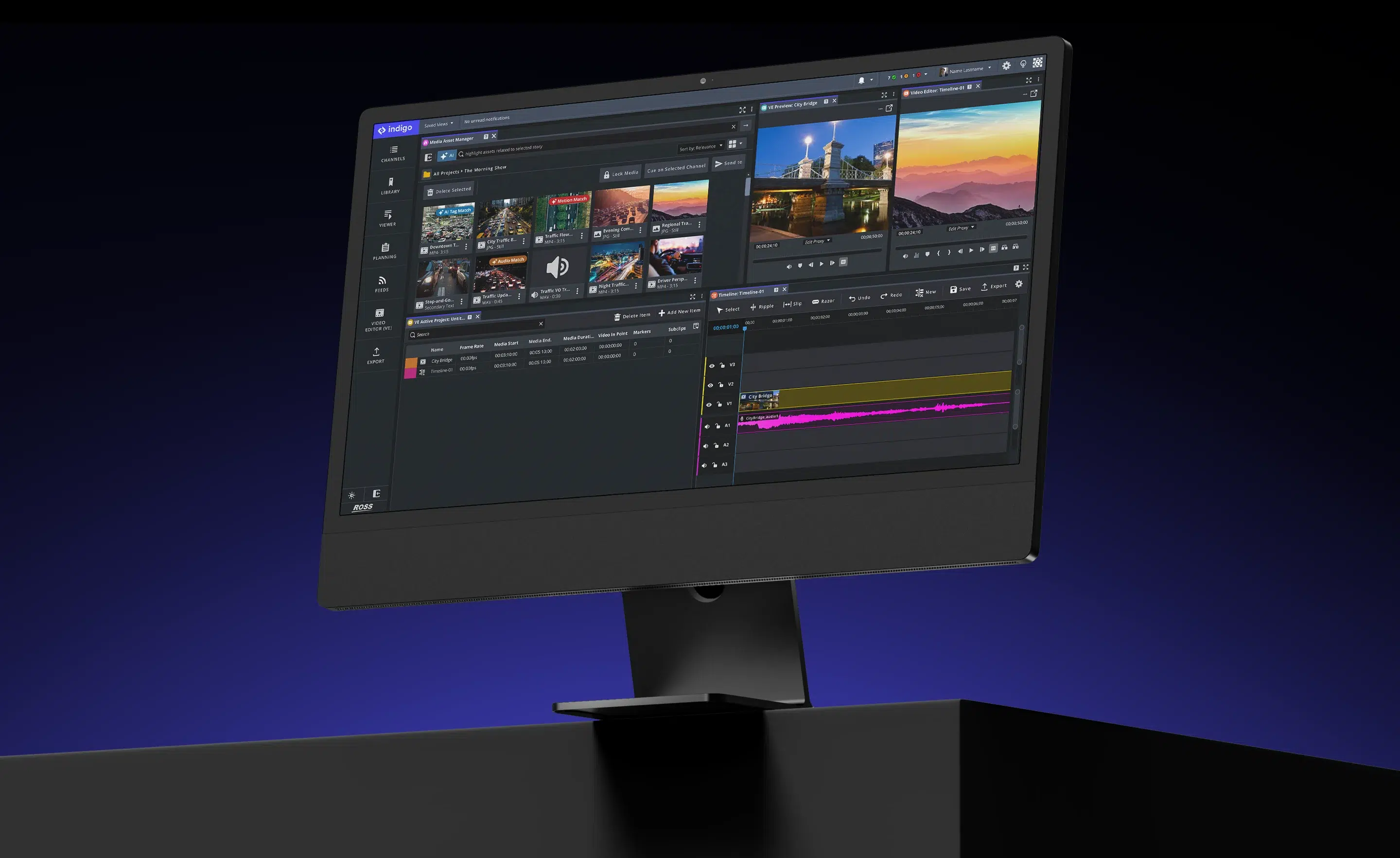
Empower teams to create and deliver content faster in one connected workflow.
Find content quickly, collaborate in real time, edit in a browser or NLE, and move media to playout with speed and accuracy. Indigo | Create brings media management, browser-based editing, and delivery together in one workflow.
Tell stories faster
Find, edit, and deliver media without switching between tools, so teams can keep stories moving from ingest to air.

Stay organized
Keep media easy to find with consistent tagging and shared context, so teams spend less time searching and more time creating.
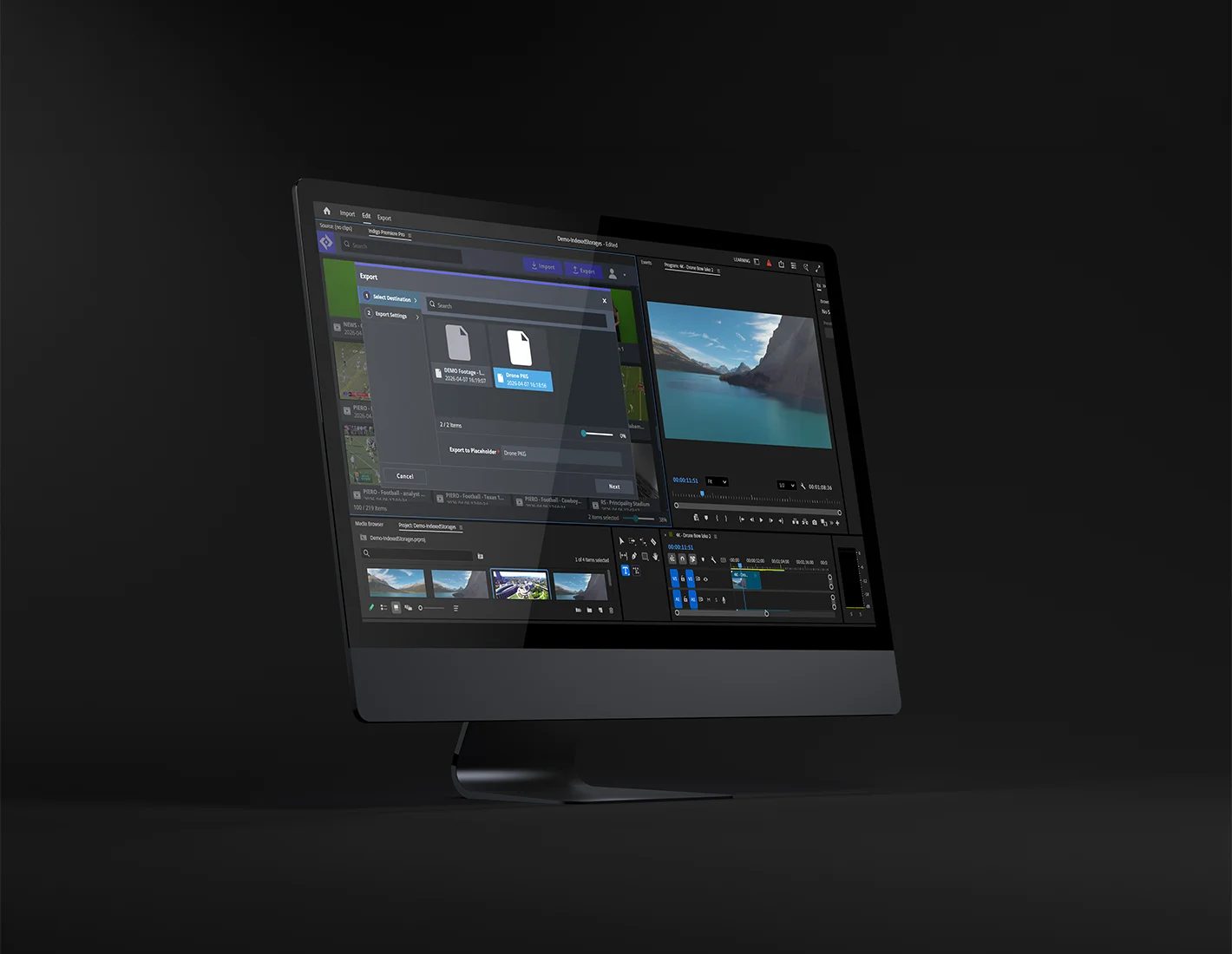
Deliver with confidence
Move from ingest to playout with clear checks and smooth handoffs, maximizing accurate and on-time content delivery.
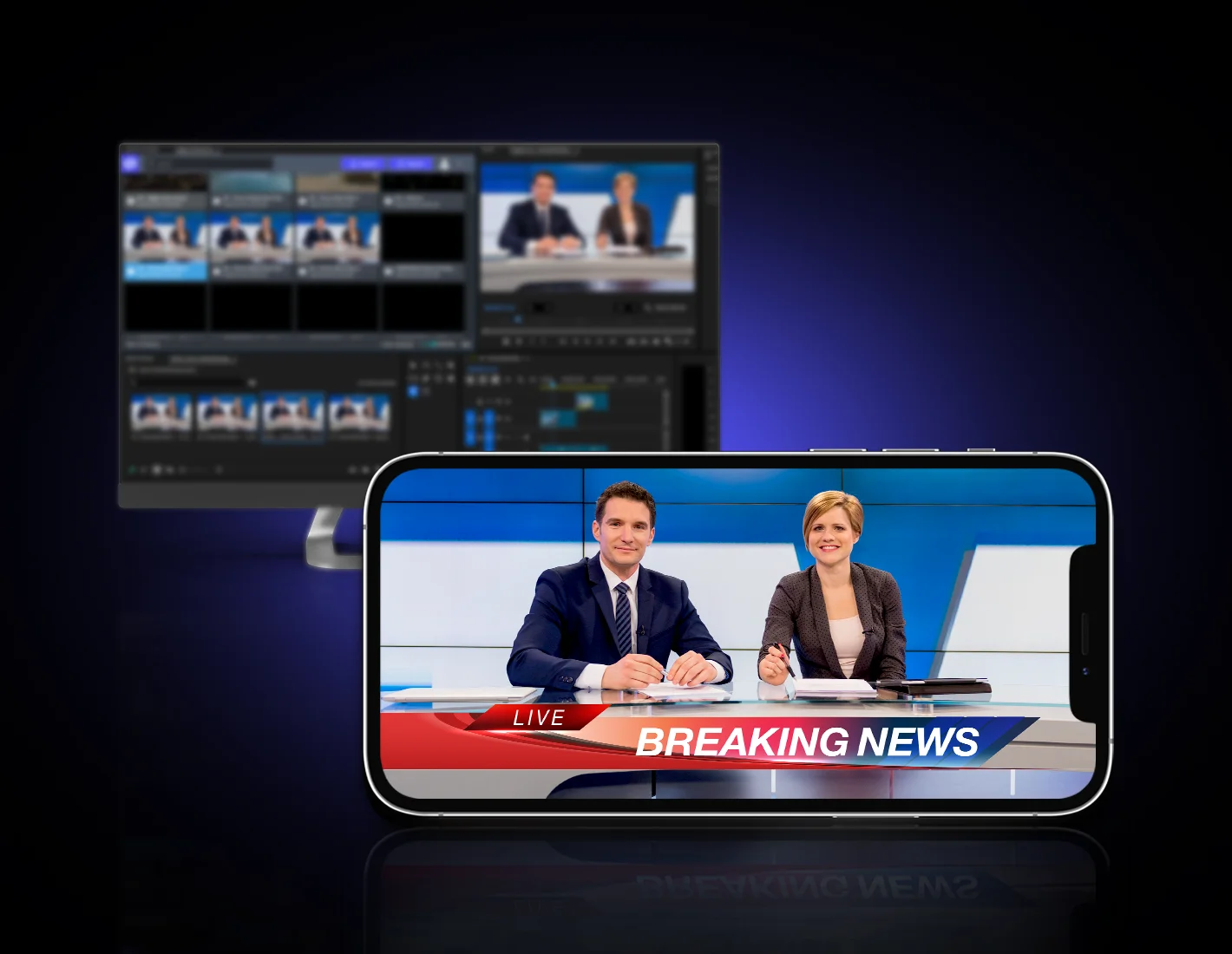
Built for fast-moving production teams




Everything you need to deliver media
Find the right shot, edit and craft the story, and move to publish quickly.
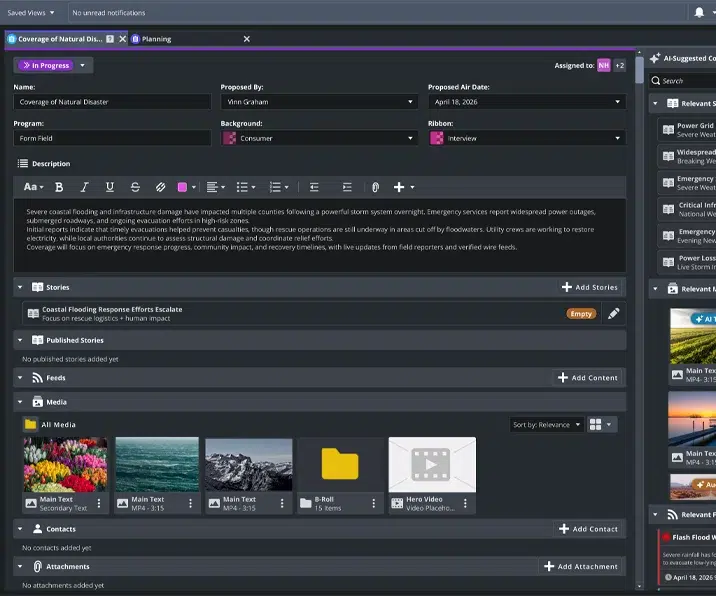
Rich metadata and search
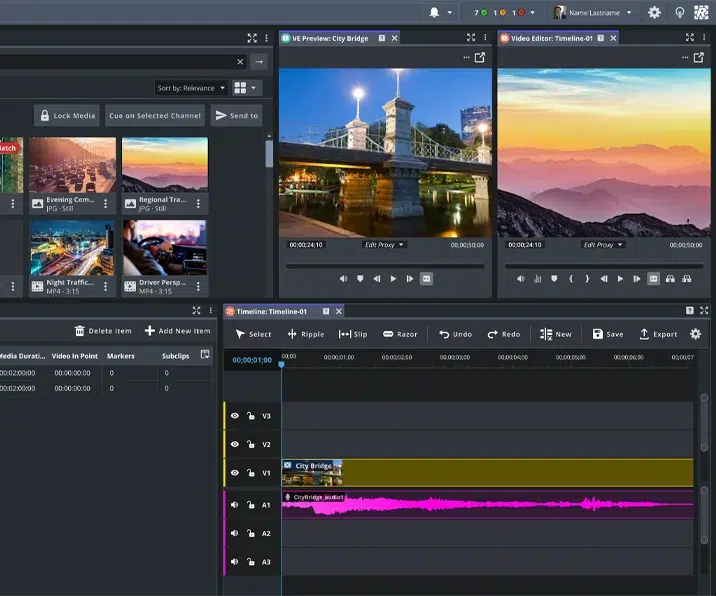
Browser-based video editing
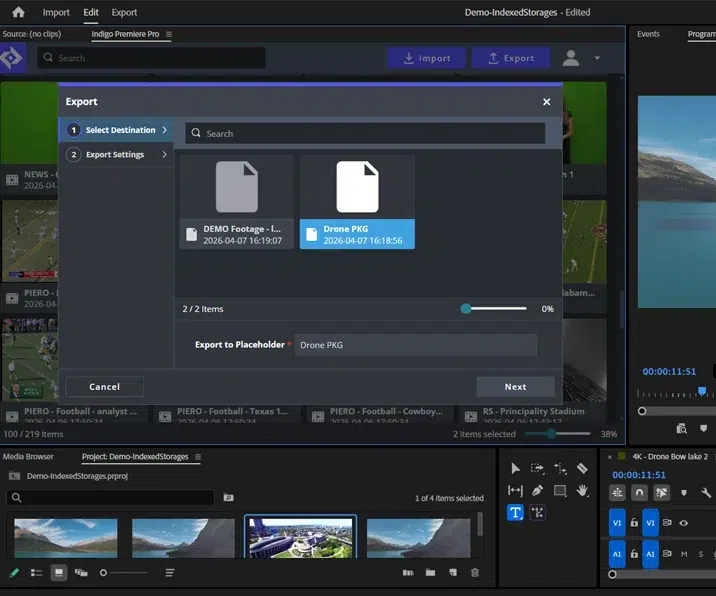
Works with your NLE
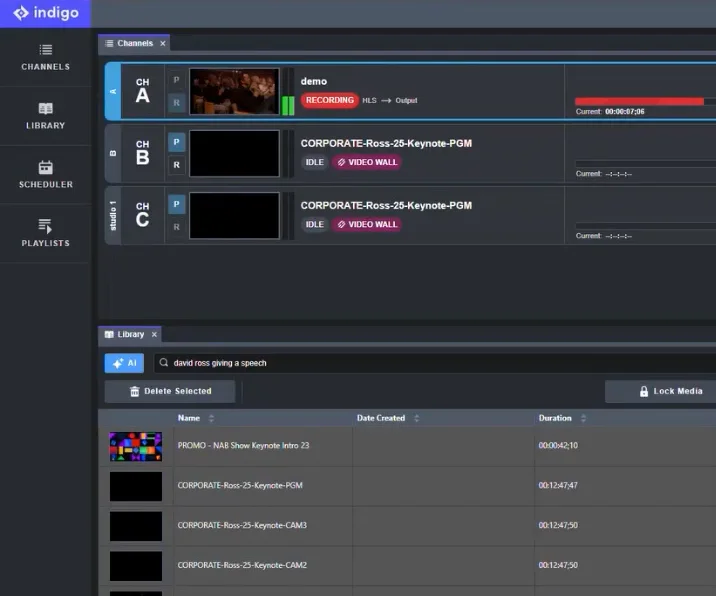
One unified UI
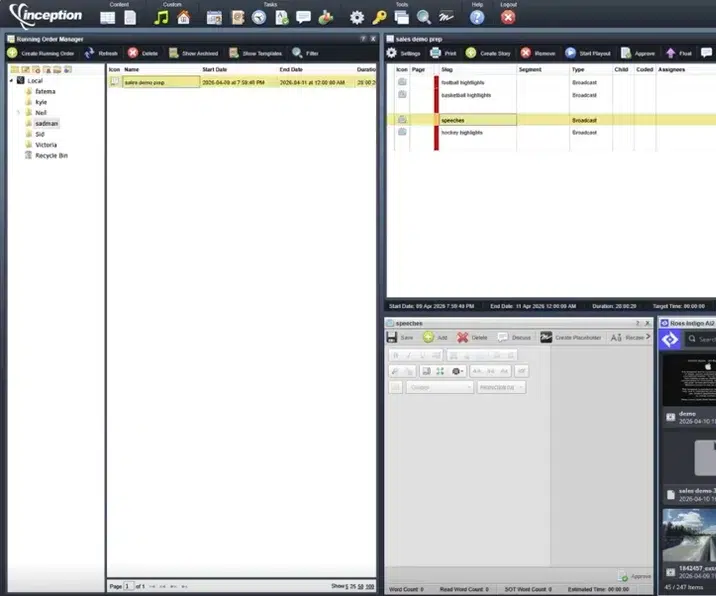
MOS workflow integration
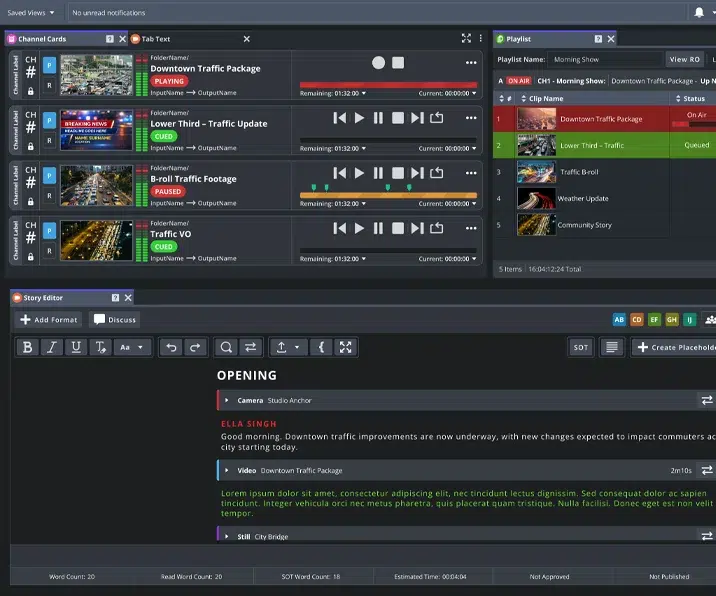
Scalable and customizable
Manage your media assets in the cloud
Organize, find and share video and graphics in one place. Work together in real time, automate workflows, and scale securely with seamless integration.
Knowledge centre

Technical support
Expert help when you need it—dedicated to keeping your production running smoothly.
Get technical support
Product documentation
Comprehensive guides to help you get the most out of your Ross products.
View all documentation
Software downloads
Stay up to date with the newest features, enhancements, and software releases.
View all downloads
Training resources
Step-by-step videos that help you learn Ross tools quickly and use them with confidence.
Go to Ross University tutorialsFrequently asked questions
Create reduces the need to switch between tools by combining media management, editing, and delivery in one workflow. Teams can find content quickly, edit in a browser or NLE, and move media through to playout without delays.
Create reduces the need to switch between tools by combining media management, editing, and delivery in one workflow. Teams can find content quickly, edit in a browser or NLE, and move media through to playout without delays.
Yes. Indigo | Create supports browser-based editing and integrates with professional NLEs, allowing editors to work in the tools they prefer while staying connected to the same media workflow.
Create uses metadata, tagging, and search to keep media organized and easy to find. Teams can upload, review, and access content with clear context, reducing time spent searching for assets.
Indigo | Create helps teams move media from ingest to playout with structured workflows, clear checks, and reliable handoffs, reducing errors and helping ensure content is delivered on time.
Streamline Pro workflows are now part of Indigo as the Create module. Existing customers can continue using their current workflows while exploring new capabilities as they become available. As the features your team depends on are introduced in Indigo, you can adopt them at your own pace and expand your workflow over time. Ross will work with customers individually to support a smooth transition.
Upgrading is simple. You get Indigo Core as the foundation and can add the modules you need. Existing workflows and media continue without disruption. Reach out to your Account Manager or Customer Support to upgrade.