Graphics
XPression Workflow Tools
XPression Tessera
- Design and Playout control for multiple channel/monitor configurations
- Can support pixel accurate video distribution across multiple XPression engines for seamless synchronization
- Developed for large or dynamic stadium video screens, and now moving into studio configurations
- XPression Tessera is supported in XPression MOS workflows
- XPTessera SE now offers region mapping and control of all the channels within a single XPression Studio


XPression Project Server
- Central repository of XPression projects
- Used as a distribution tool when multiple XPression engines or XPression Project Servers are used
- Provides Version Control of XPression projects
- Treated as a disaster recovery backup location for XPression engines
- Optional for MOS and NLE workflows, as it allows for more than one project to be used in MOS or NLE clients
XPression Gateway
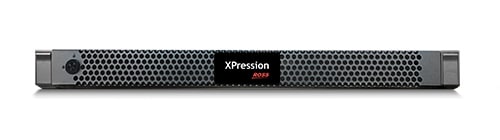
- Central Server for integration of XPression into MOS and NLE workflows
- MOS communications to NRCS
- Preview engine for MOS and NLE clients
- Required for MOS or NLE workflows
- New 1RU form factor
XPression Sequencer Gateway
- Central Server for integration of multiple XPression Studio, BlueBox, Clips or Tessera and Remote Sequencer
- Same as XPression Gateway but for non-MOS workflows only
- Preview engine for Remote Sequencer Workflows
- Requires an XPression Project Server
- 1RU form factor
- Also available as software only
XPression INcoder
- Transcode engine to flip video files to XPression Codec
- Provides Watch Folder functionality to transcode
- Database register to XPression Clips and video files for XPression Graphics
- One Incoder is required for XPression Clips workflows
XPression Remote Sequencer
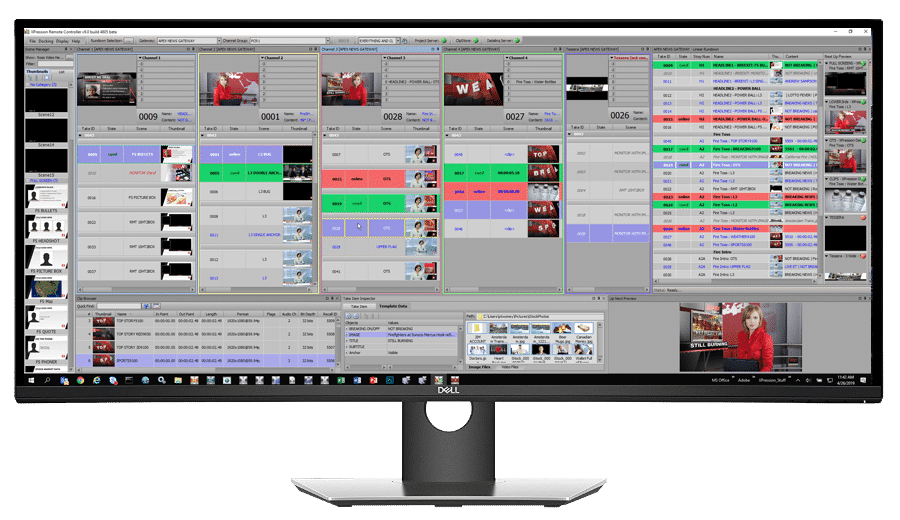
- Software solution to control multiple XPression Engines from a single User Interface
- Shows Preview images to the operator for each channel controlled
- Can load multiple MOS rundowns at the same time
- Utilize the linear playlist or column per channel playlist
- Add/edit Take Items in the Playlist for last second updates
- Use openMAM sources like XPression Maps or Streamline to modify Take Items in the Remote Sequencer
XPression Data Server
XPression Data Server is a powerful data aggregation and management platform that integrates with XPression and Chameleon graphics platforms to drive tickers and other data-driven graphics. It can also operate as a standalone solution, collecting, managing, and distributing data to virtually any system, anywhere in the world.
Through its web-based interface, customers can manage everything from simple news crawls to automated, multi-channel graphics and station automation workflows for promotions, branding, and sponsorships. It is also an essential tool for election coverage, managing rapidly changing results and delivering accurate, real-time data to on-air graphics and other systems throughout election night.

XPression Chameleon
XPression Chameleon brings the flexibility of HTML5 graphics to XPression workflows, enabling broadcasters to easily extend existing XPression content to streaming, digital, and OTT productions. As part of a hybrid XPression workflow, Chameleon adds HTML5 graphics alongside traditional XPression SDI/2110 output, with both controlled simultaneously or independently through familiar XPression tools and MOS-based workflows.
For customers without XPression, Chameleon Designer provides a standalone workflow for creating HTML tickers and other data-driven graphics. Using the web browser as the renderer, Chameleon delivers flexible, platform-friendly graphics that are ready for streaming, digital, and OTT productions.

XPression Touch Factory
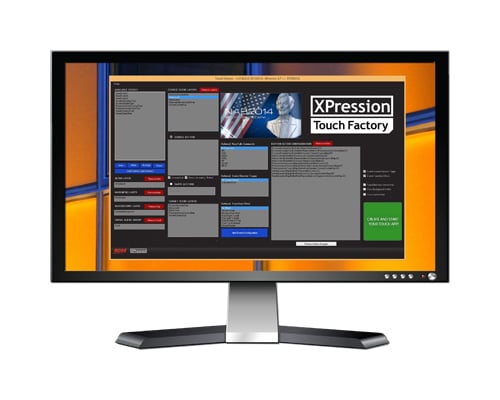
- Design on-air talent controlled touch integration of XPression scenes using a Windows client PC to generate the touch screen input data
- Users can navigate to pre-configured XPression scenes with user-defined trigger locations on-screen
- Can be integrated into MOS workflows
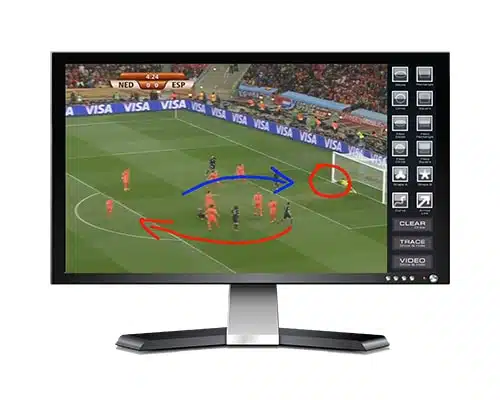
XPression Telestrate
- Software option for XPression allowing for talent-based on-screen illustration
- Provides tools for drawing freeform paths, lines, circles and other geometric shapes
- Functionality to add step-by-step numbers to screen for sequencing
- Uses a layer in an existing XPression frame buffer or can be a separate engine
- Option to control Replay device from the Telestrate interface
- Requires an SDI-HDMI converter and touch screen monitor/PC
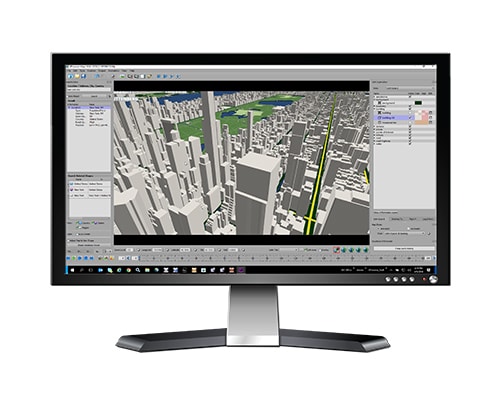
XPression Maps Designer
- Create still or animated maps for on-air or on-line use
- Windows-based tool for creating simple or complex maps
- Utilizes Open Street Maps for 3D buildings and user-defined colors, fonts and layers as well as vector-based or Microsoft Bing satellite imagery to create International, street-level or regional maps
- Export either still images or video files for animations
- Create Map templates for use with XPression Maps Server MOS workflow tools
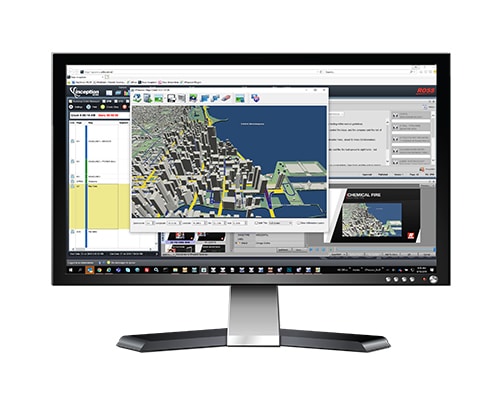
XPression Maps Server
- Central server for XPression MOS workflows
- Journalists access Map templates and input addresses or locations to get formatted maps
- Real-time feedback on map creation in the MOS newsroom
- Local server to support newsroom
- Multiple servers can be linked together to support larger newsrooms
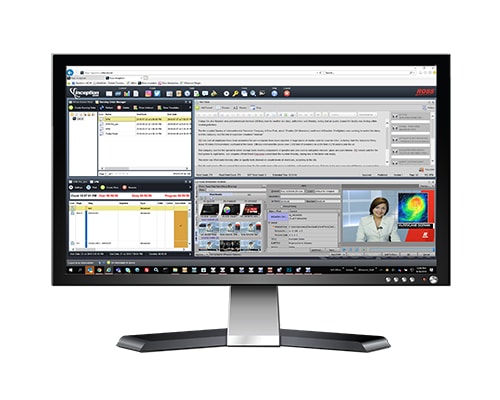
XPression MOS Client
- XPression MOS ActiveX client for use in all the major newsroom computer systems
- Displays WYSIWYG previews from a central render engine
- Interfaces with XPression Maps, Streamline MAM, and network shared folder locations for replaceable content to create a complete self-service graphics creation workflow
- User input controls provide pull-down lists, radio buttons and check boxes that allow for pre-determined input options per template
XPression NLE Client
- Extend the capabilities of the XPression MOS workflow into the Edit Suite
- Journalists can create graphics from MOS templates and save them for the editor to pick up, during the edit
- Provides a real-time interface to the render engine, for the editor to scale graphics on the NLE timeline
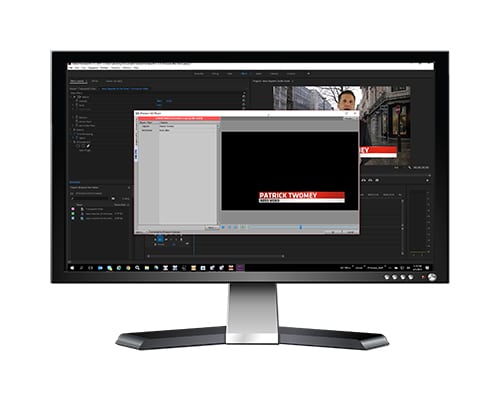
- Support on Windows for Avid Media Composer, NewsCutter, Grass Valley Edius and now Adobe Premiere Pro CC